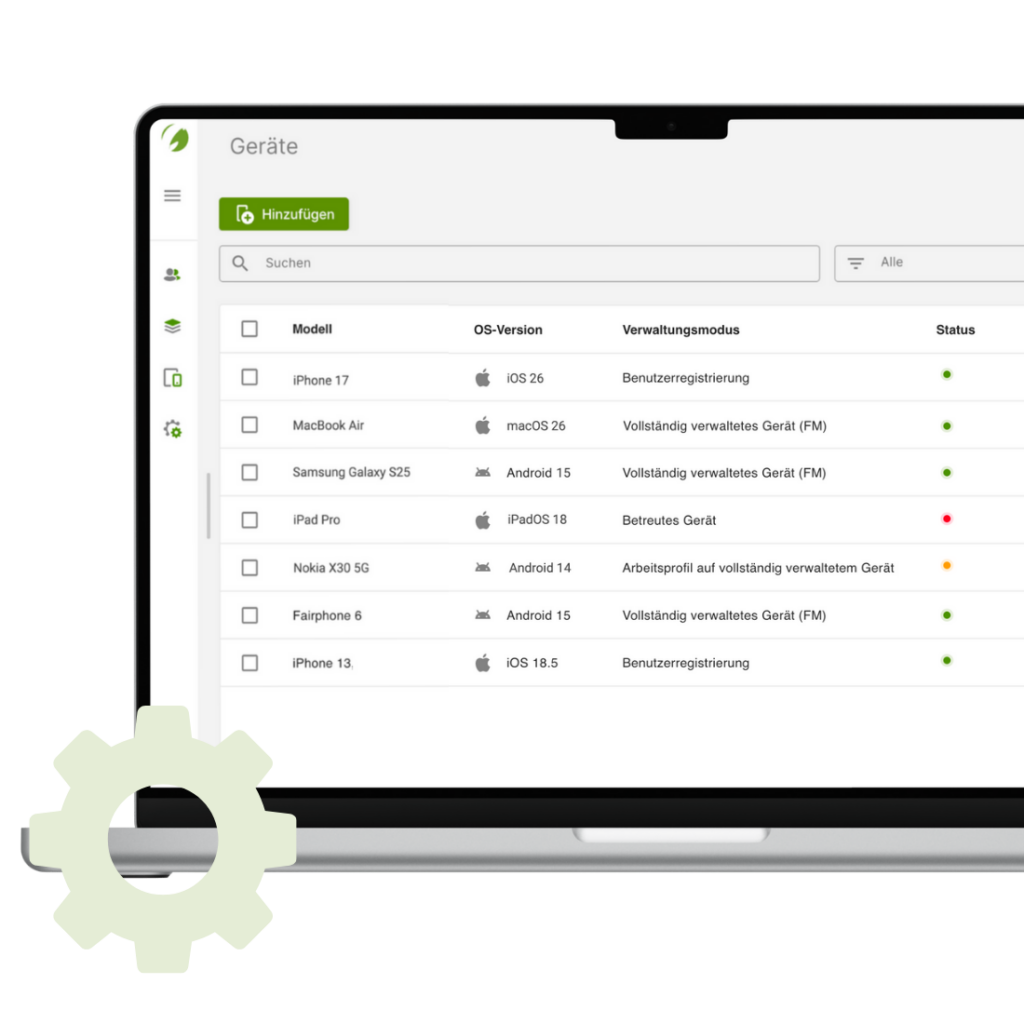
An iOS business container enables organizations to securely separate corporate data on iPhones from personal content. This article provides a practical look at how Mobile Device Management (MDM) implements this separation in a technically sound, operationally consistent, and legally compliant way—and what IT decision-makers should pay attention to.

A mid-sized company introduces “Bring Your Own Device.” Employees use their personal iPhones for email, calendars, and internal apps. After a few months, the data protection officer reports an incident: an employee leaves the company, keeps their iPhone as a private device—and business emails and documents are still stored locally. IT is left with the question: How can corporate data be protected in a targeted way without touching personal content?
The answer is: an iOS business container, implemented via Mobile Device Management.
What is an iOS Business Container—and why is it relevant?
An iOS business container is a logically separated, managed area on the iPhone that contains only corporate data, apps, and configurations. This area is centrally controlled via MDM and can be secured or removed independently of the personal part of the device.
For organizations, that means:
- Clear technical separation of personal and corporate data
- Protection of sensitive company data
- Legally sound implementation of BYOD or COPE strategies
What problem does a business container on iPhone solve?
Without a clear container, personal and corporate data blur:
- Corporate emails end up in personal mail apps
- Messaging services gain unintended access to business contacts
- Cloud storage syncs company documents without proper controls
- Selective deletion is hardly possible
The risk impacts not only IT security, but also data protection, compliance, and employment-law considerations.
How does Apple technically implement the separation of personal and corporate areas?
Apple integrates the business container directly into the operating system. Instead of a separate user profile, Apple uses an OS-level approach. This includes:
- managed apps (“Managed Apps”)
- managed data flows
- policies at the app and system level
An MDM system such as Cortado centrally controls which apps are considered corporate, whether and how data may be exchanged between those apps, and which security policies are enforced across the device, app, and data layers.
For users, the container remains invisible. Corporate apps look like normal apps, but they follow clearly defined rules. The separation happens technically in the background—not visually.
What role does Mobile Device Management (MDM) play?
Why is MDM the technical foundation for an iOS business container?
Without MDM, a business container cannot be implemented. Among other things, MDM enables:
- Assignment and management of corporate apps
- Enforcement of passcode and encryption policies
- Separation of corporate and personal data flows
- Selective wipe (e.g., in case of device loss or offboarding)
Solutions like Cortado address exactly this and combine iOS-specific control mechanisms with proven security concepts from real-world deployments.
Introducing an iOS Business Container: Which best practices have proven effective?
An iOS business container only delivers its full value when it is introduced in a planned and consistent way—not in isolation. In practice, technical, organizational, and strategic best practices have proven effective, balancing security, user acceptance, and day-to-day operations.
Technical measures
- Use managed apps instead of generic app access
- Restrict data exchange between corporate and personal apps
- Enforce encryption and device passcodes
Organizational measures
- Clear BYOD or COPE policies
- Documented offboarding processes
- Training for IT and end users
Strategic measures
- Treat the container as part of an overall mobility strategy
- Close alignment with identity and access management
- Involve an experienced MDM partner like Cortado, who does not view container concepts in isolation but integrates them into existing security, compliance, and operational processes
What risks arise without a clean separation of professional and personal areas?
Without a technically and organizationally sound separation of professional and personal areas, organizations lose control over corporate data on mobile devices. For CIOs, CISOs, and IT leaders, this is not about convenience—it is about governance and risk minimization:
In practice, this mainly shows up as increased risk of data leakage when devices are lost or employees leave, potential liability and compliance issues due to data protection violations, and significantly higher manual effort for IT support, incident response, and clean offboarding.
An iOS business container significantly reduces these risks without jeopardizing user acceptance.
| Aspect | Personal iPhone area | iOS Business Container (MDM-managed) |
|---|---|---|
| IT access | No access | Fully controllable |
| Included data | Personal photos, chats, apps | Corporate apps, emails, documents |
| App management | User decides | Central app distribution and removal |
| Data exchange | Free between personal apps | Controlled, only within the container |
| Offboarding deletion by the company | Not permitted | Targeted deletion of all corporate content possible |
| Data protection (GDPR) | Personal, outside IT responsibility | Clear organizational responsibility |
| User transparency | Fully private | Clearly separated and communicable |
| Risk to corporate data if device is lost | High without container | Significantly reduced |
FAQ: Common questions about the iOS Business Container
An iOS business container is a managed work area on the iPhone where only corporate apps and data reside, controlled separately from the personal area.
A business container ensures that IT manages only the corporate area of the iPhone. Personal photos, messages, apps, and usage data remain invisible and untouched for the organization, protecting employee privacy even when MDM is used.
Yes. MDM enables selective wipe, removing only corporate data.
All current iPhones running up-to-date iOS support the required MDM and managed-app capabilities from Apple.
Yes—absolutely. Without a business container managed via MDM, BYOD and COPE models should be strongly discouraged.
Conclusion: Clear separation creates security and acceptance
An iOS business container is not an optional feature—it is a core building block of modern enterprise mobility strategies. Organizations that allow iPhones for both personal and corporate use need a technically sound, legally compliant, and operationally well-designed separation. Mobile Device Management provides the foundation for this. Cortado brings years of enterprise experience and helps implement container concepts in a practical way—without unnecessary complexity.
Start your free trail!
Discover how easy mobile device management can be with Cortado MDM. Try it free of charge and without obligation.